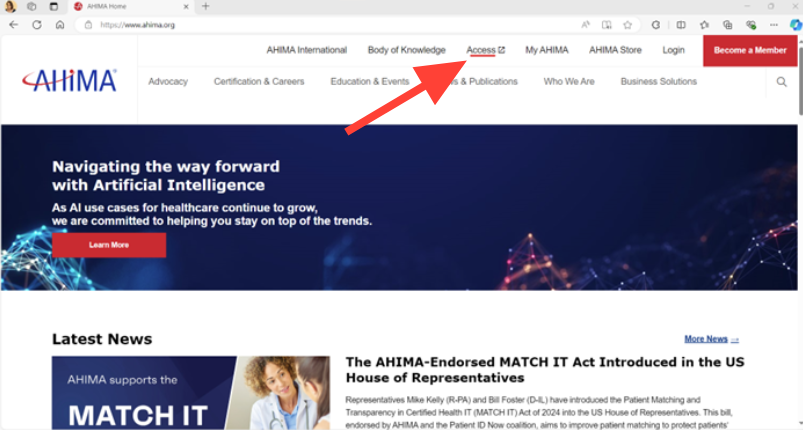
- On the AHIMA home page, click the Access button located in the upper toolbar:
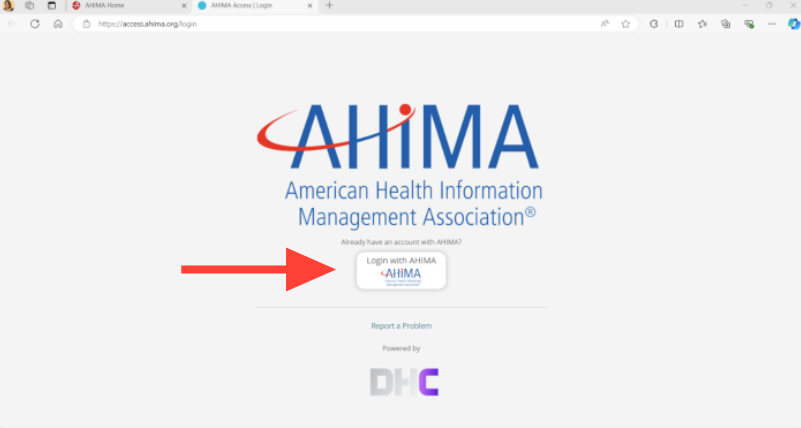
- From there, a new tab will open. Click on the “Login with AHIMA” button in the center of your screen:
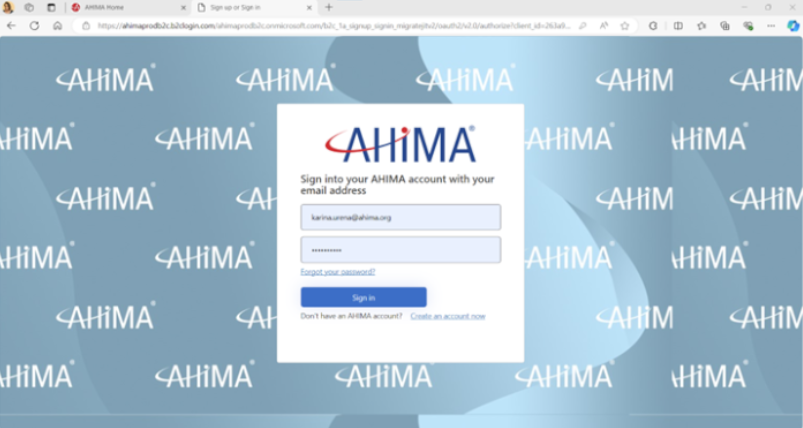
- Enter in your AHIMA login information and click the “Sign in” button:
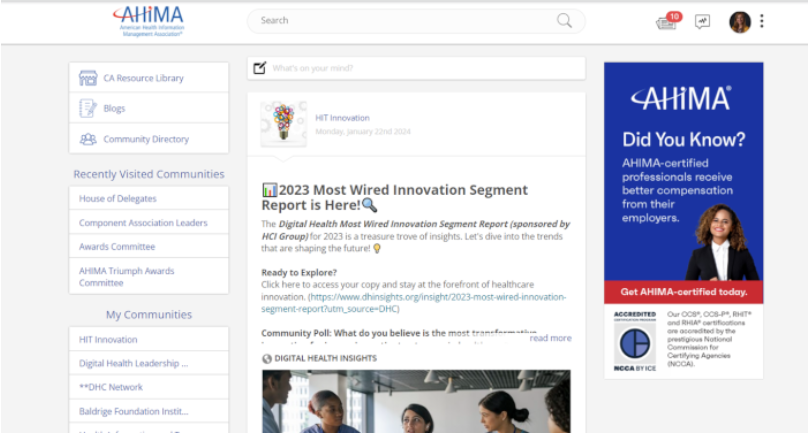
- Welcome to your Access page!