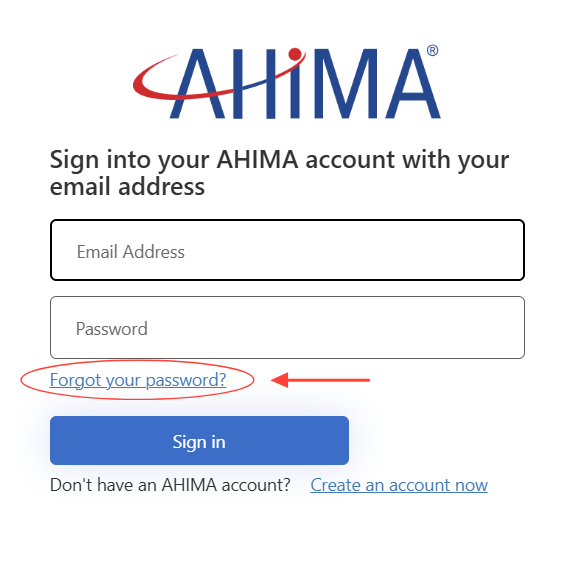
- Go to the MyAHIMA login page and select the "Forgot your password?" link.
- Enter the email address associated with your AHIMA account.
- Click "Send Verification Code".
- Check the inbox of email address you entered for an email from AHIMA that includes a verification code.
- Enter that code into the field provided and click "Verify code".
How do I reset my password?
Updated on