- Go to the MyAHIMA login page and sign in to your account.
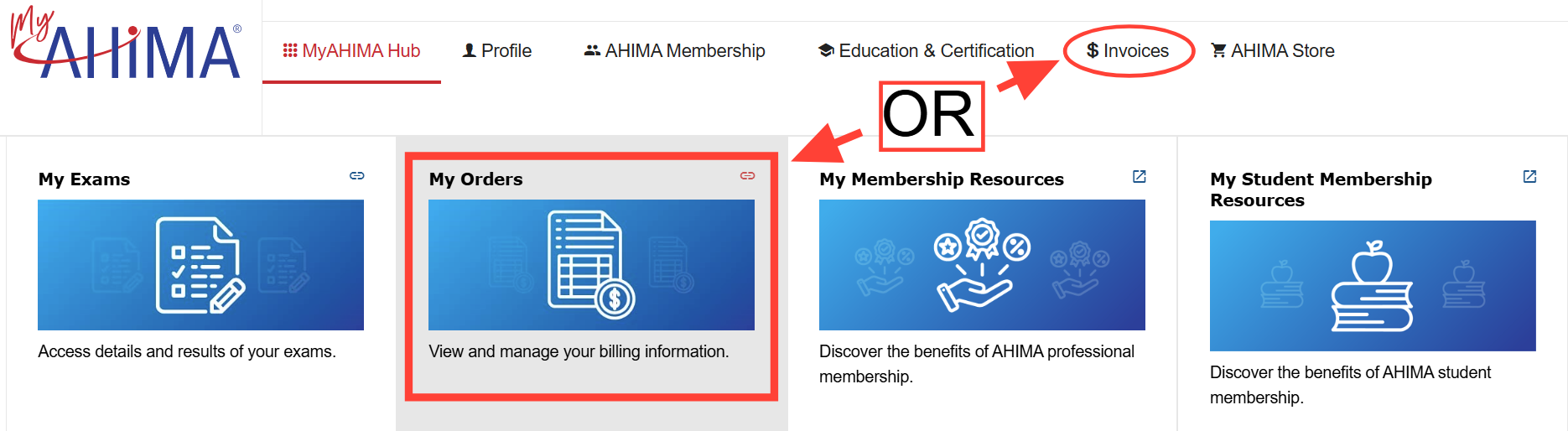
- From the MyAHIMA Hub homepage, click on “Invoices” in the menu bar or the “My Orders” link/card on the page
- Go to "My Invoices - Closed".
- Click on the printer icon on the right-hand side to bring up a PDF of your receipt.
- Download the PDF to save electronically or print for your records.