- Log in to my.ahima.org
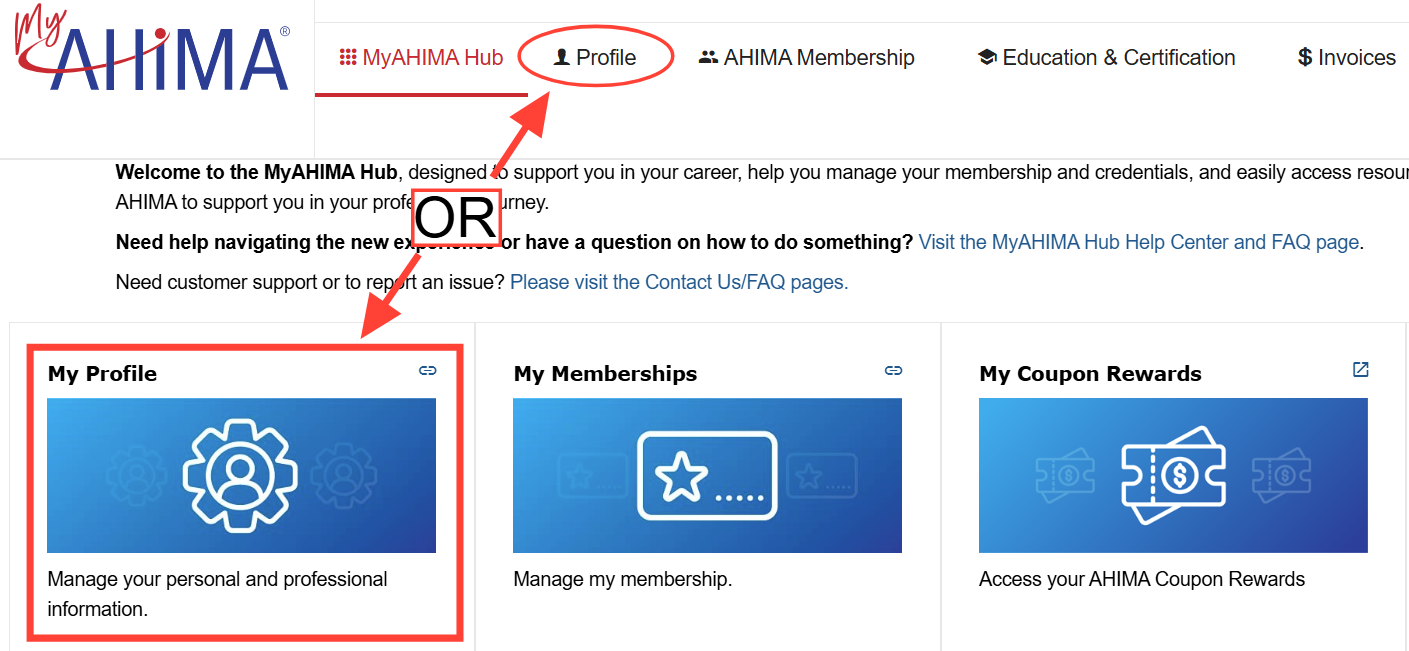
- Go to the Profile tab or navigate to the MyAHIMA Hub, where you will see the My Profile tile
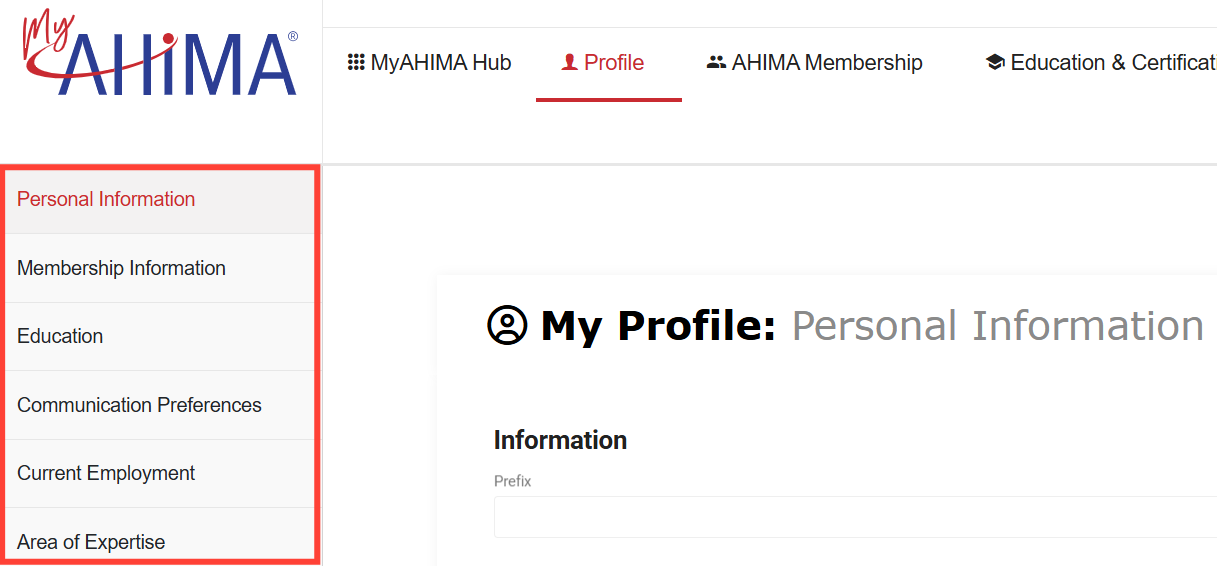
- Here you can edit your personal details including Organization, Address, Education history, Communication Preferences, Current Employment and Area of Expertise.
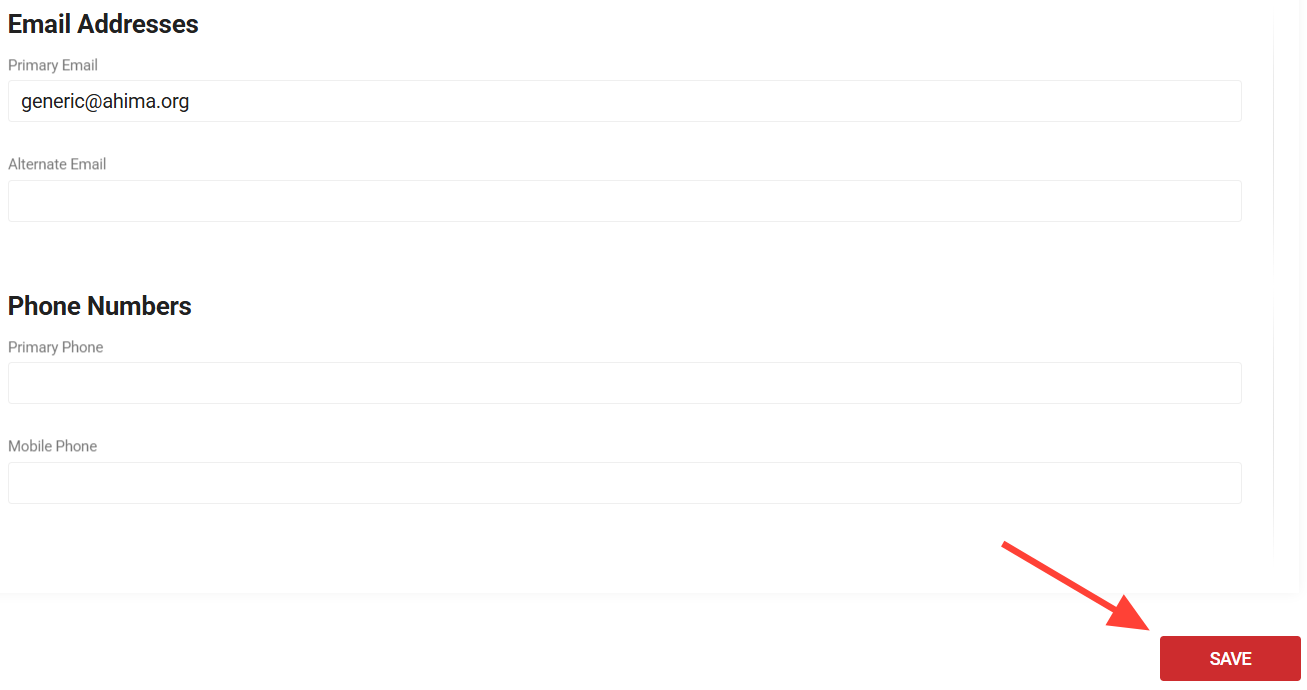
- When you have completed your update click the Save button