AHIMA Answers

How do I get to the Solventum encoder?

Updated on

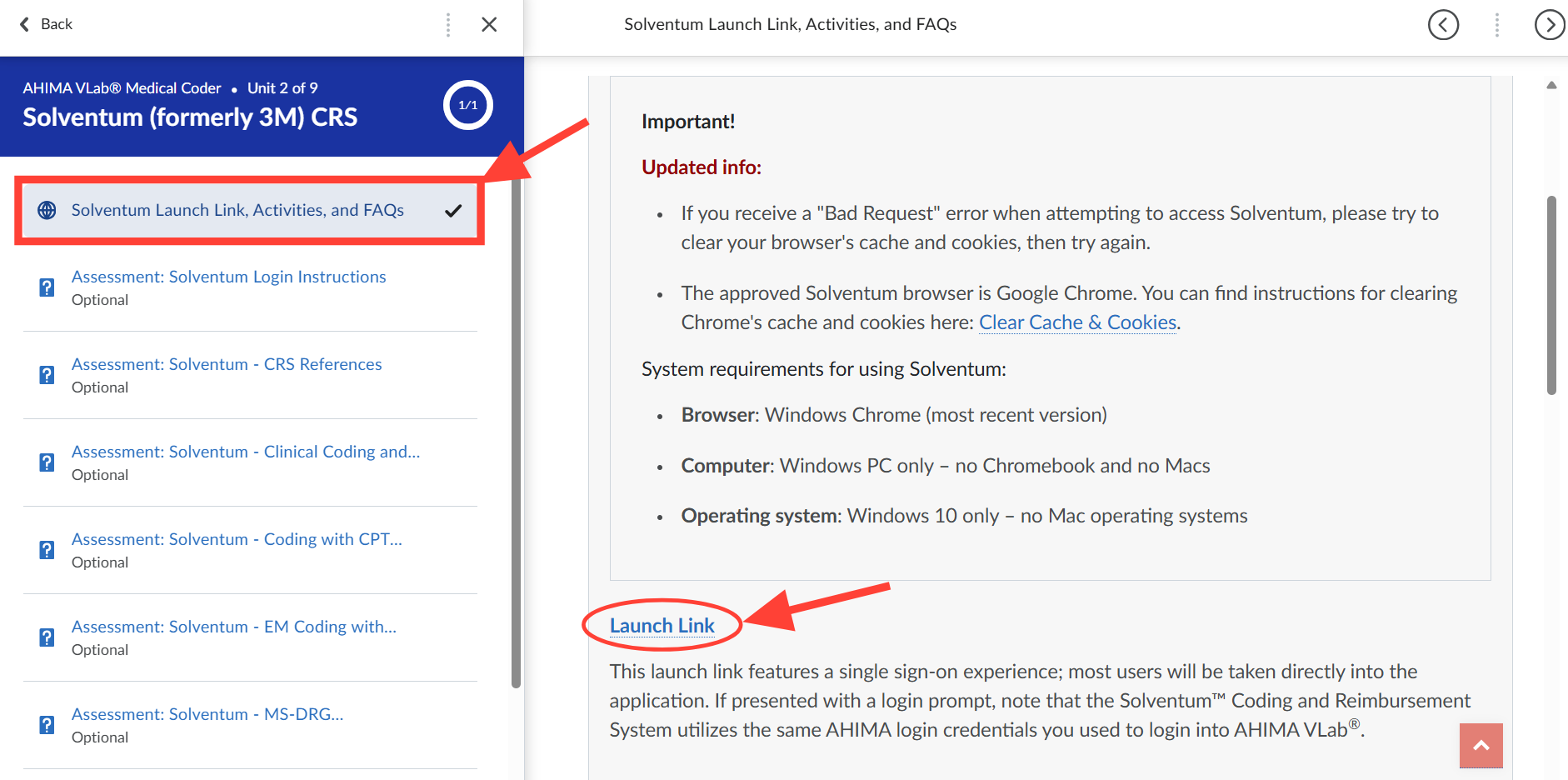
  1. Access the launch link provided in the AHIMA VLab™ Application Launch Center, or the link provided at the top of the Solventum area within Application Activities.
     

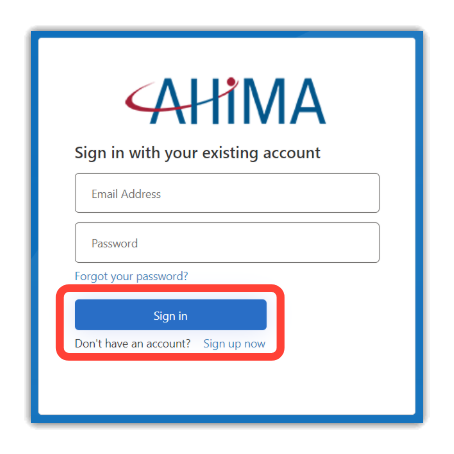
  2. If presented with the following login interface, enter your standard AHIMA credentials (in other words, the same ones you used to log into AHIMA VLab™).
Previous Article How to Redeem VLab Codes in the AHIMA Learning Center
Next Article Why do I get a 'Bad Request' error when attempting to access Solventum?
Didn't find your answer? Submit a customer support ticket here! Submit A Support Ticket