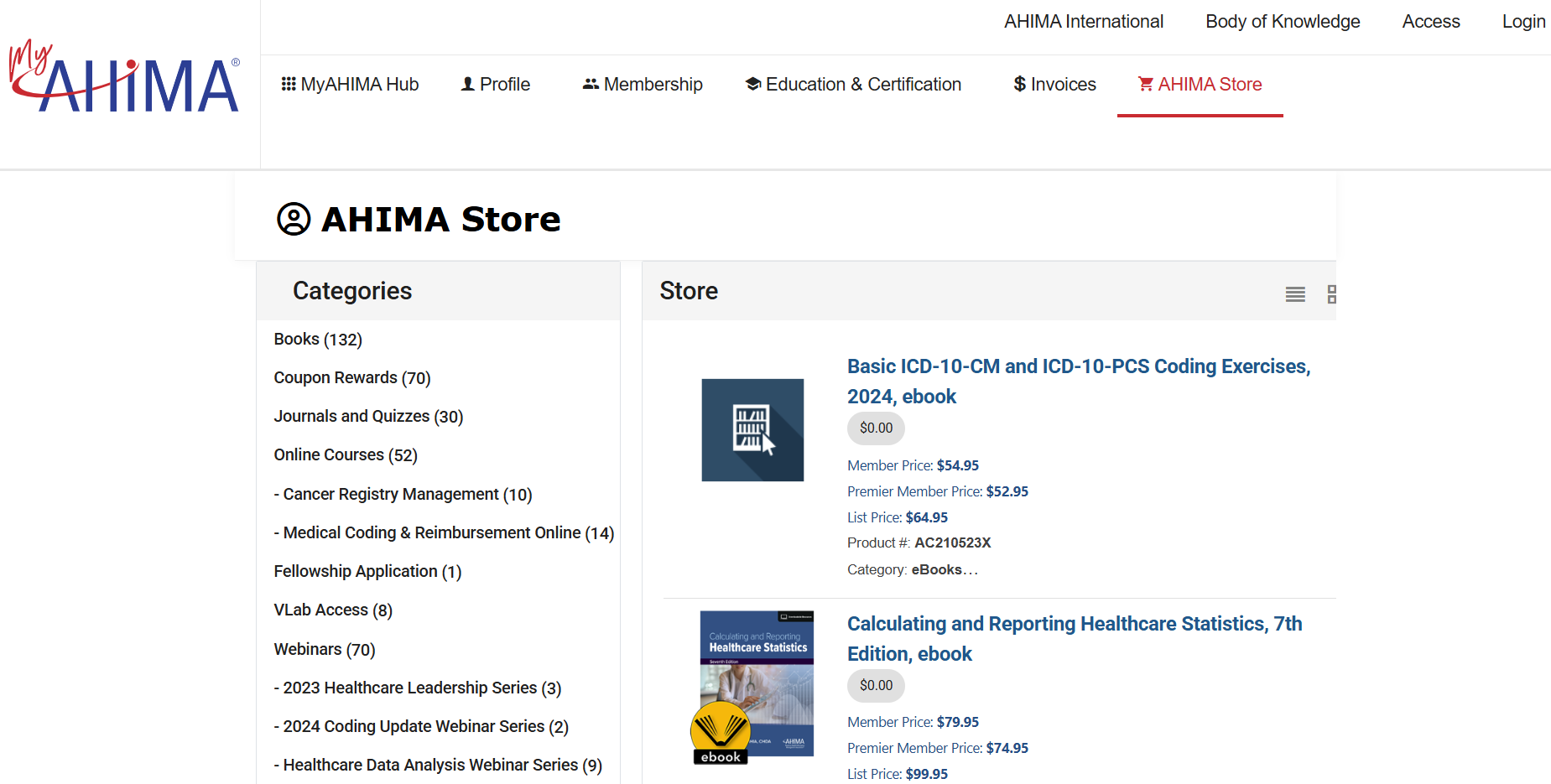
- Navigate to the AHIMA Web Store.
CLICK HERE to access the AHIMA Web Store homepage.

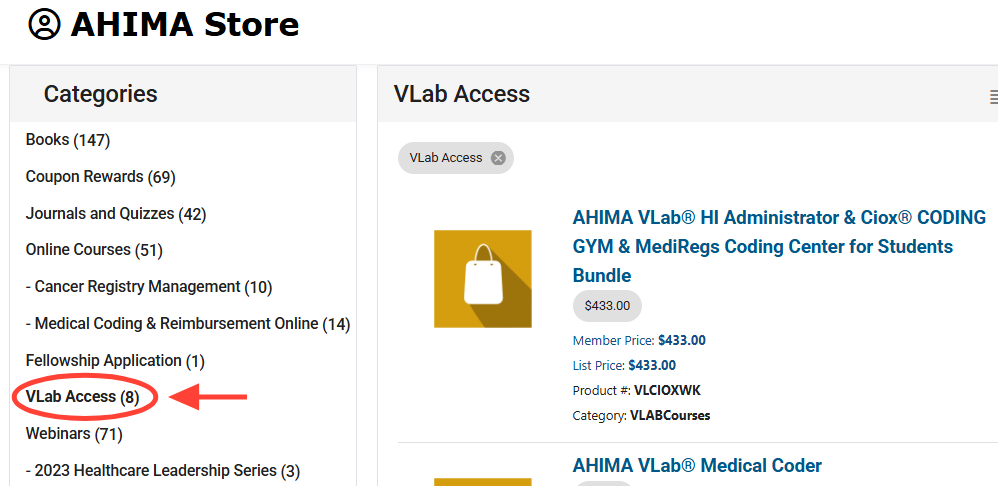
- Click the "VLab Access" link on the left side of the page to see all available VLab packages.

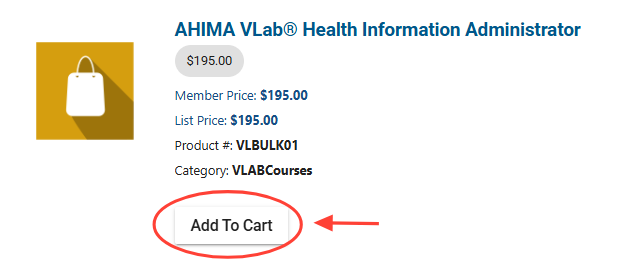
- Choose the VLab product assigned by your instructor and click “Add to Cart” to add it to your shopping cart.
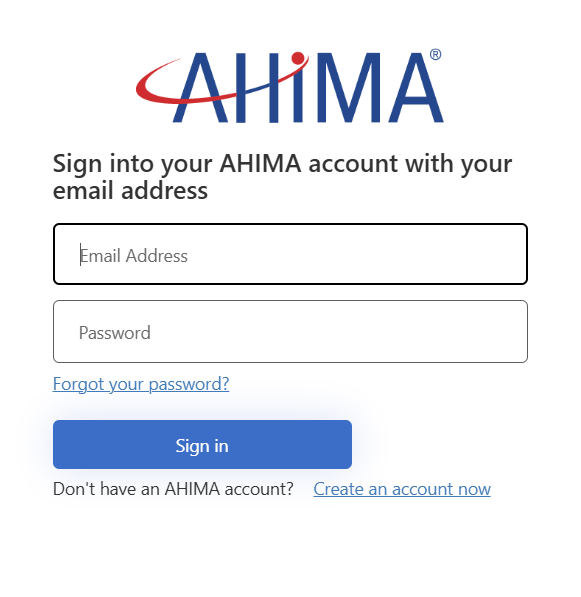
- Log in with your AHIMA credentials in order to purchase.
If you’re not already logged in, the Add to Cart button will take you to the store login screen. If you do not yet have an AHIMA account click the “Create an account now” link to create a FREE account (this is NOT an AHIMA membership, just a free account so you can log into ahima.org websites).
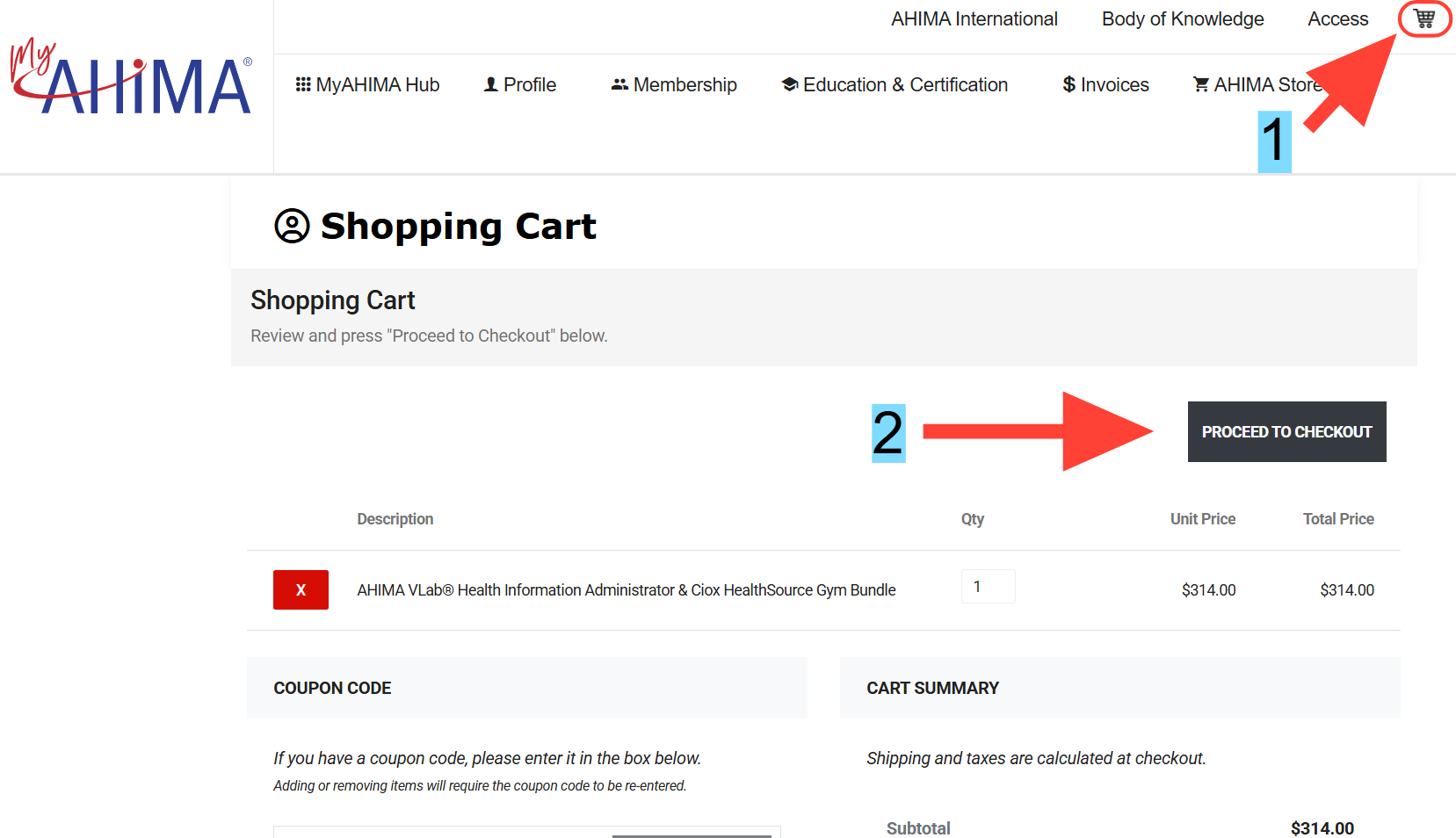
- Click on the cart icon in the upper-right corner of the page to open the Cart page, then click “Proceed to checkout”.
If you want you may continue to add more products to your cart before proceeding to checkout.
- Complete all the information on the checkout screen, then click “Process Payment”.
Once the purchase goes through you will receive a confirmation email, which means your AHIMA VLab® enrollment has been successfully set up for you!