AHIMA Answers

Why do I get a 'Bad Request' error when attempting to access Solventum?

Updated on

Some users may receive a "Bad Request" error when attempting to access Solventum. This is usually resolved by clearing your browser's cache and cookies. 

The approved Solventum browser is Google Chrome. You can find instructions for clearing Chrome's cache and cookies here: Clear Cache & Cookies.
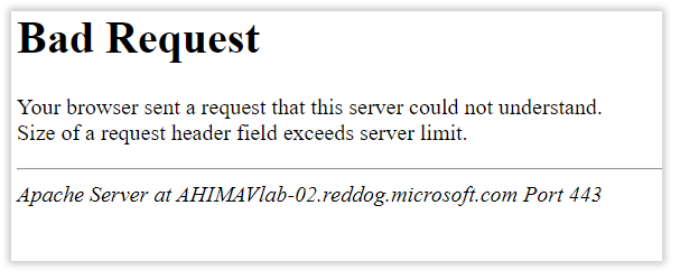
Bad request error returned when attempting to access Solventum.

Previous Article How do I get to the Solventum encoder?
Next Article When I click the Solventum launch link in VLab, a new tab opens showing a static Solventum logo but nothing else.
Didn't find your answer? Submit a customer support ticket here! Submit A Support Ticket