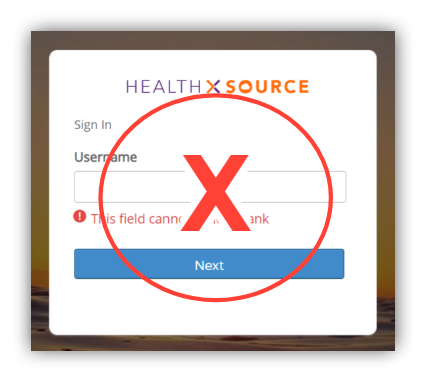
You need to close the browser window, return to the AHIMA VLab™ course, and use the launch link to start a new session.
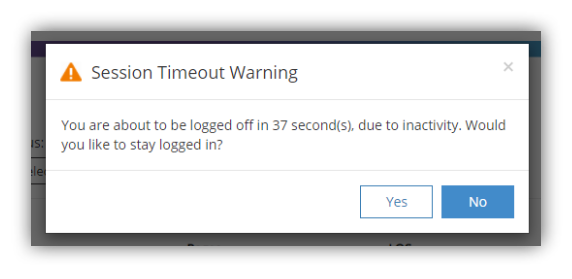
When a session timeout is approaching, you will see the following dialog popup.
If you select Yes, you will be taken back into the application able to pick up where you left off, and the inactivity “clock” of 30 minutes will be reset.
If you select No, you will be logged out.
- If you do nothing, the timer will count down, stay at zero for a short period of time, then you will be taken a Ciox HealthSource login screen.
However, as noted above, you will not be able to log in from this screen. Instead, close the browser tab open to Ciox, return to the AHIMA VLab™ course, and use the launch link to start a new session.