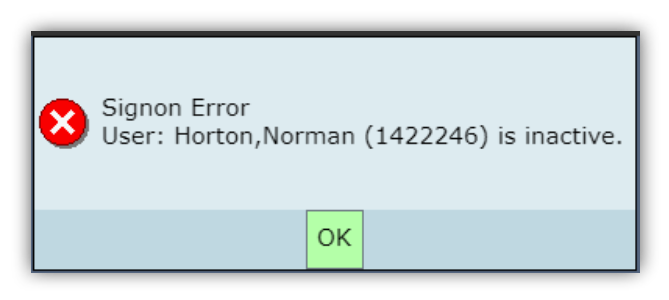
Once you have successfully enrolled in the VLab course, access to the MEDITECH Expanse application can take up to 24 hours during the busiest times of the year for new enrollments, though most of the time your access should be ready within 30-60 minutes. If you attempt to access MEDITECH Expanse before your account has been provisioned you will see the Signon Error message shown below, which just means you should check back later. If your access ever takes longer than 2 days after VLab enrollment to appear, please contact AHIMA Helpdesk support for assistance.
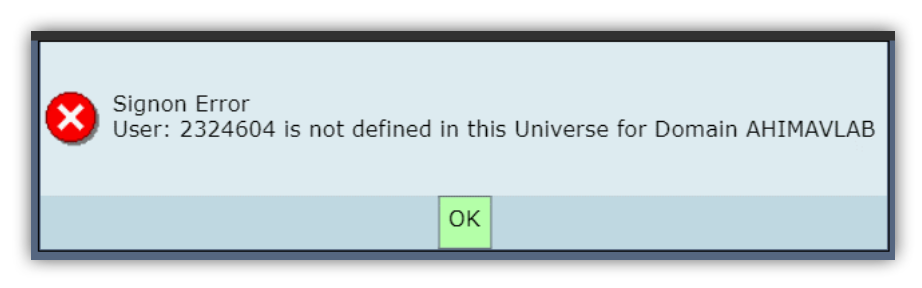
In rare circumstances, you may instead see the error message shown below. If you do, please contact the AHIMA Helpdesk for assistance.