- If you do not have a VitalSource Bookshelf account, follow these steps:
- Go to (https://bookshelf.vitalsource.com/).
- Click on "Create a Vitalsource account".
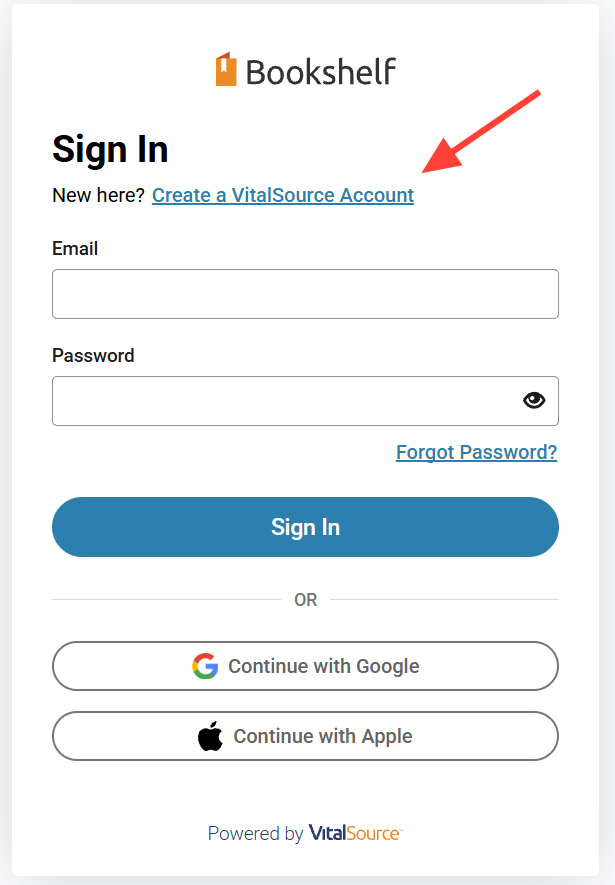
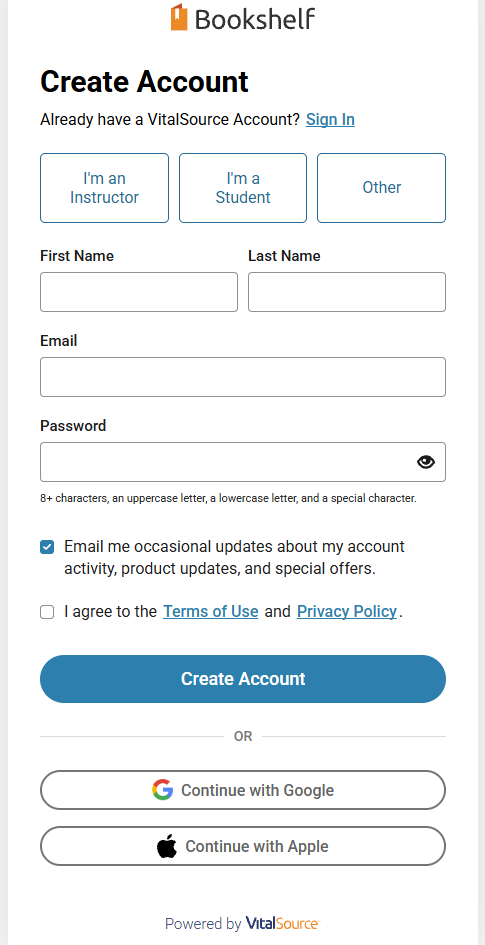
- Complete the registration form and click "Create Account" (or create an account using your Google or Apple account).
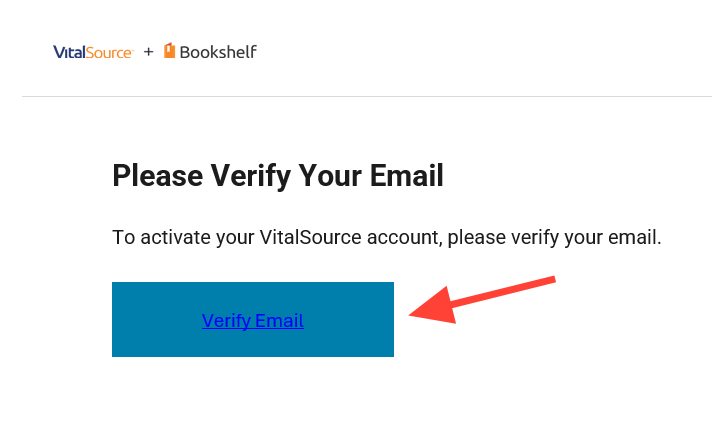
- You will be asked to verify your account by clicking a link in an email they send you, please do that to continue.
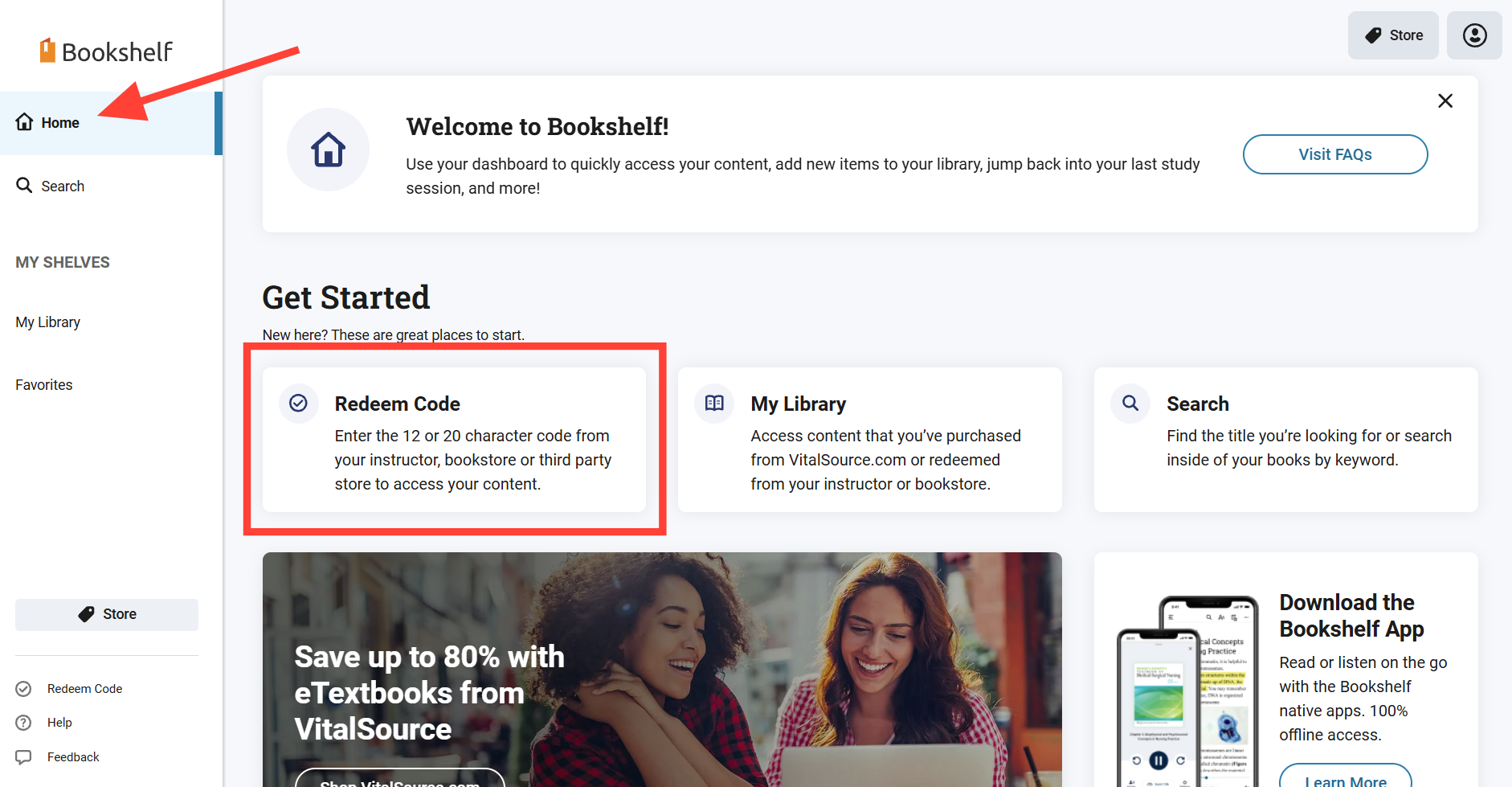
- Once logged into Bookshelf click the "Redeem Code" box.
You should start on your Home page when logging in; if you aren't on the home page click on the Home link on the left to get there and find the Redeem Code box.
- Copy and paste your code into the "Redeem Code" popup box that appears.
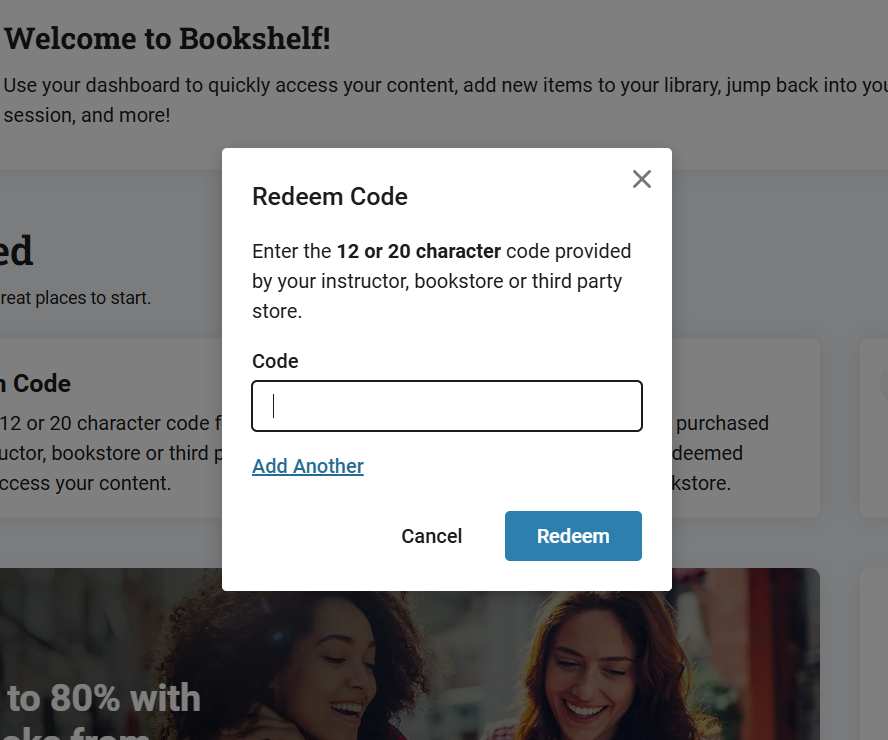
- Press the Redeem button to redeem your code.
If you have more than one ebook to redeem you can click "Add Another" to redeem multiple ebooks at once.
- Your book will be added to your license and the page should send you to your My Library page.
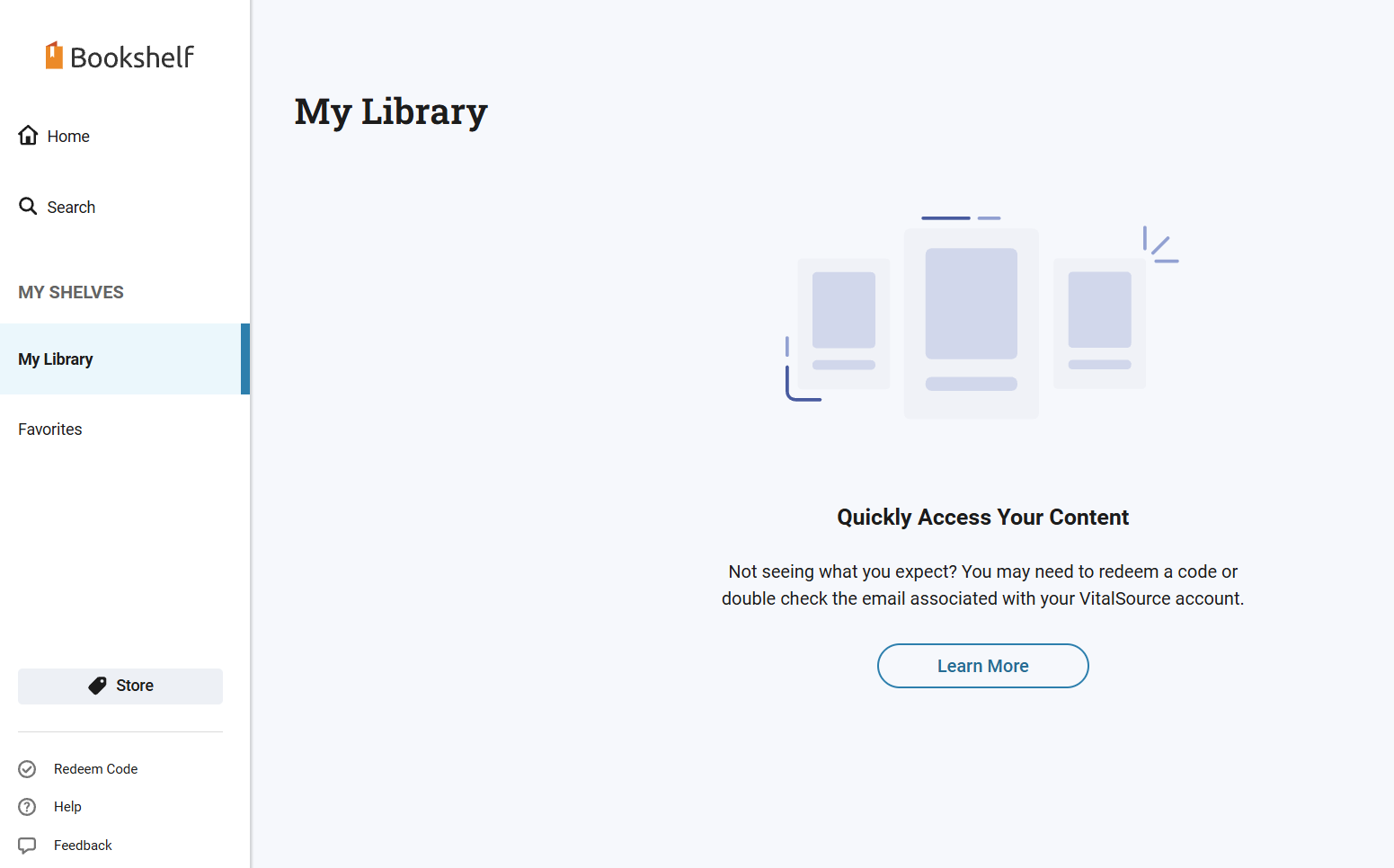
- Click on your book to open it.
- If you already have a VitalSource Bookshelf account, follow these steps:
- Go to (https://bookshelf.vitalsource.com/)
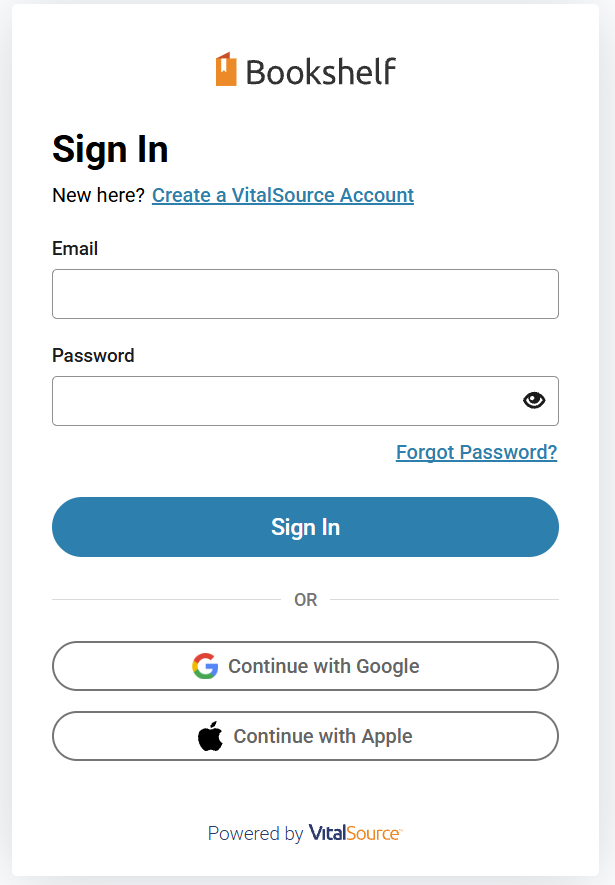
- Sign in with your Bookshelf account email address and password.
- Once logged into Bookshelf click the "Redeem Code" box.
You should start on your Home page when logging in; if you aren't on the home page click on the Home link on the left to get there and find the Redeem Code box.
- Copy and paste your code into the "Redeem Code" popup box that appears.
- Press the Redeem button to redeem your code.
If you have more than one ebook to redeem you can click "Add Another" to redeem multiple ebooks at once.
- Your book will be added to your license and the page should send you to your My Library page.
- Click on your book to open it.
How do I view my ebook? (VitalSource Guide)
Updated on