AHIMA Answers

Why do I get an 'Internal Server Error' error in Nuance Clintegrity?

Updated on

Some users may receive a "Bad Request" error when attempting to access Nuance Clintegrity™. This is usually resolved by clearing your browser's cache and cookies.

The approved Nuance Clintegrity™ browser is Google Chrome. You can find instructions for clearing Chrome's cache and cookies here: Clear Cache & Cookies

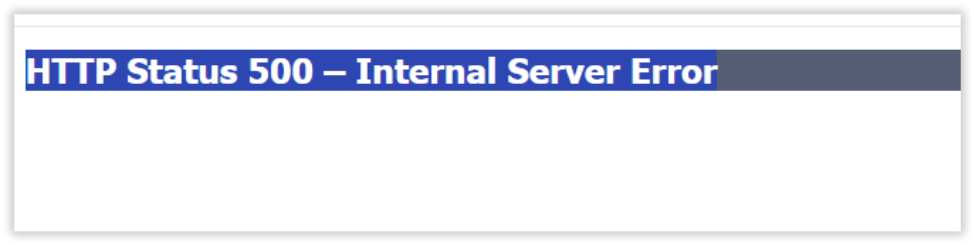
Internal server error displayed when attempting to access Nuance Clintegrity.

Previous Article I recently received an email from Find-A-Code that my account is going to expire soon. What do I need to do to renew?
Next Article I am unable to Login to Nuance Clintegrity™, my account is locked out.
Didn't find your answer? Submit a customer support ticket here! Submit A Support Ticket