AHIMA Answers

When I attempt to log in I see a grey, blank Solventum window and a “refused to connect” message.

Updated on

This error (see screenshot below) occurs when you attempt to access Solventum outside of AHIMA VLab™.

Always use the launch link provided in the AHIMA VLab™ Application Launch Center, or the link provided at the top of the Solventum area within Application Activities.
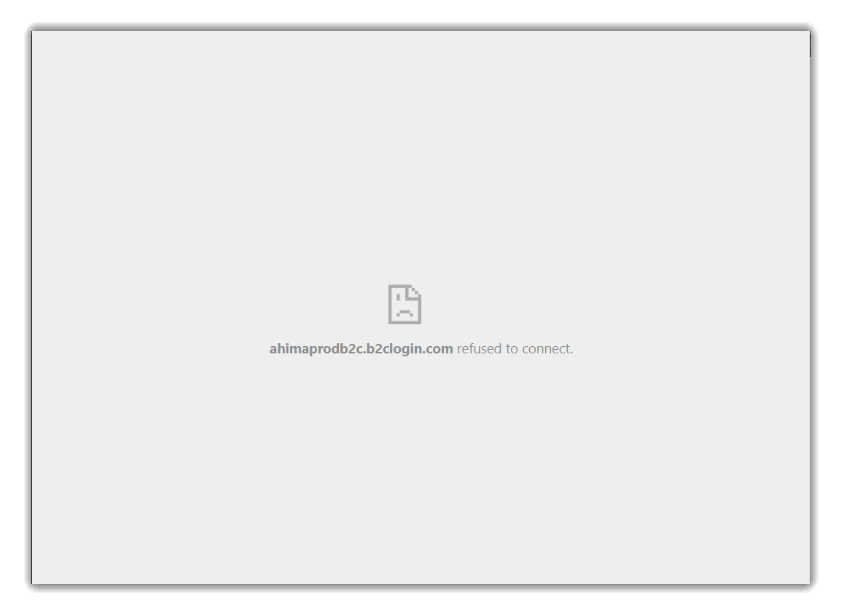
Browser window that attempted to access Solventum but instead shows a "refused to connect" error.

Previous Article I get the following error when trying to log into the Solventum application: "Your current AHIMA product registrations do not include access to the 3M application".
Next Article When I click on the MEDITECH Expanse launch link gives me a Signon Error message – what do I do?
Didn't find your answer? Submit a customer support ticket here! Submit A Support Ticket