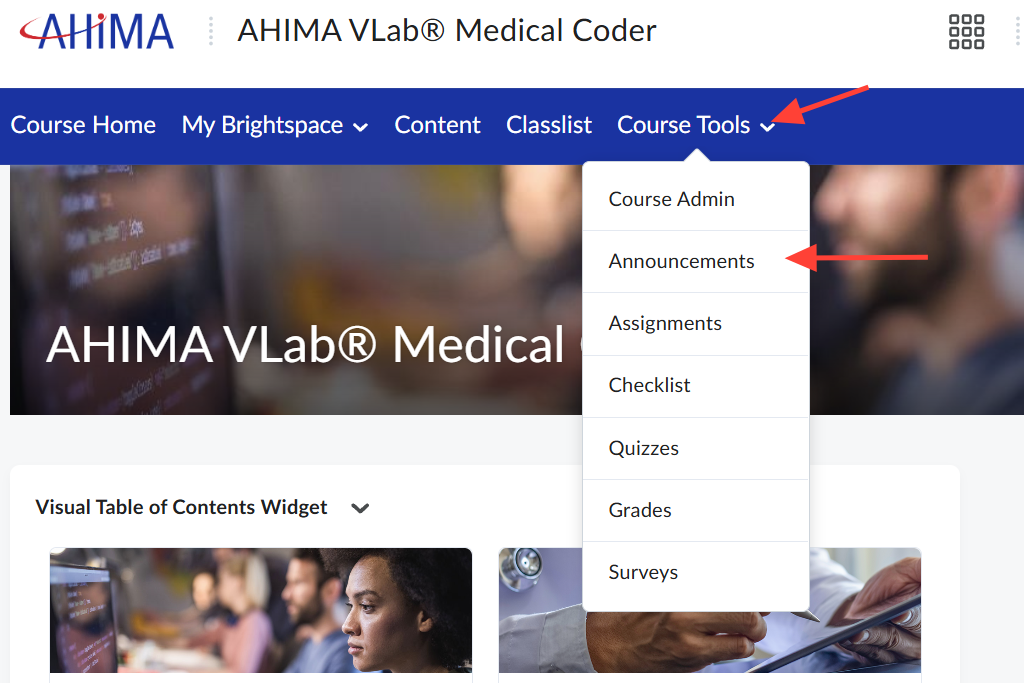
- Within the VLab course click on Course Tools, then Announcements.
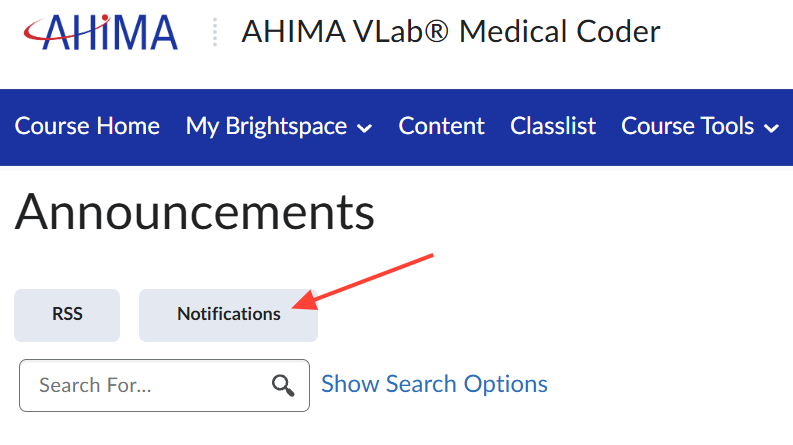
- On the Announcements page click on Notifications.
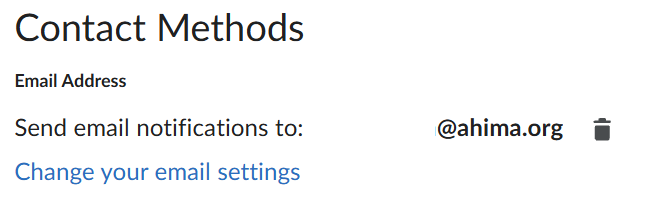
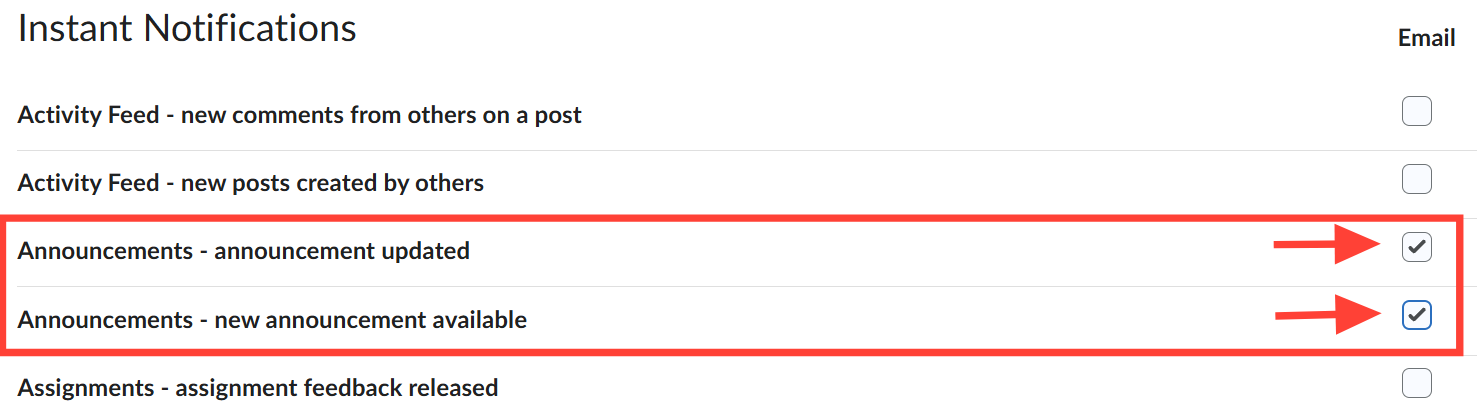
- Scroll down to make sure your Contact Method email is correct, then select the boxes next to Announcements to make sure you receive any announcements posted by admins within the VLab course.
- Click Save at the bottom to save your settings. You will now receive email notifications based on your selections!