- Access your VLab course via your AHIMA Learning Center page.
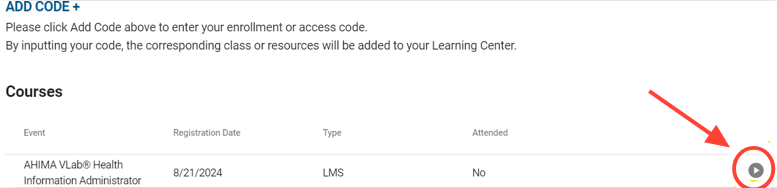
Go to your Learning Center page (AHIMA Learning Center). The course you purchased should appear on that page automatically. Click on the “Access Content” button to the right of the course to open it.
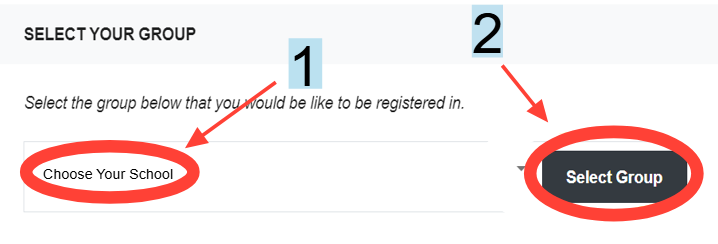
- A new page will open that asks you to “Select Your Group” (in the case of VLab this means select your school).
Choose your school from the drop-down menu then click “Select Group”.
- Welcome to VLab!
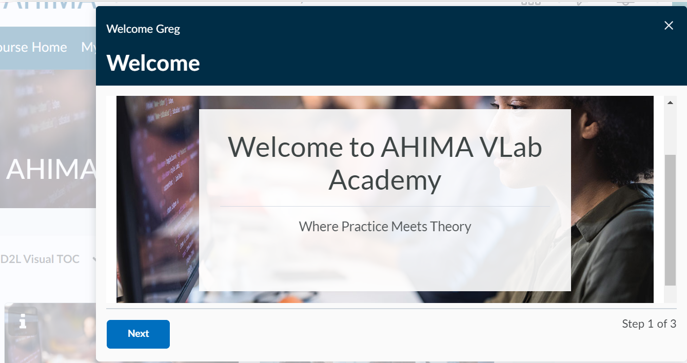
After a few seconds you will be taken directly into your course, where you may begin your experience by viewing the Welcome widget before accessing the appropriate category for your training, as advised by your instructor.
How to Access Your VLab Course
Updated on