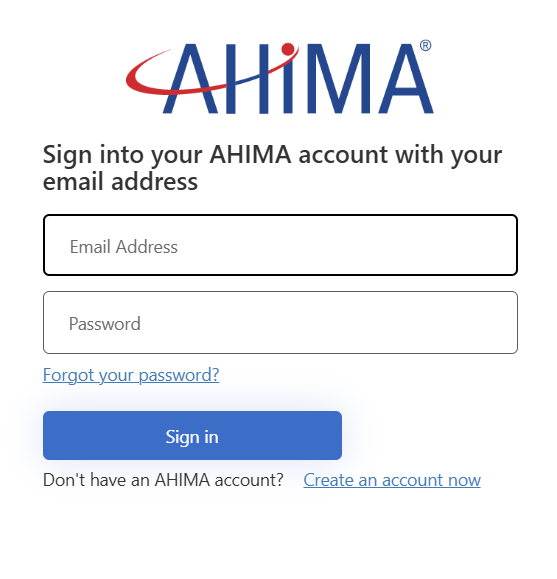
- Log into MyAHIMA with your AHIMA credentials.
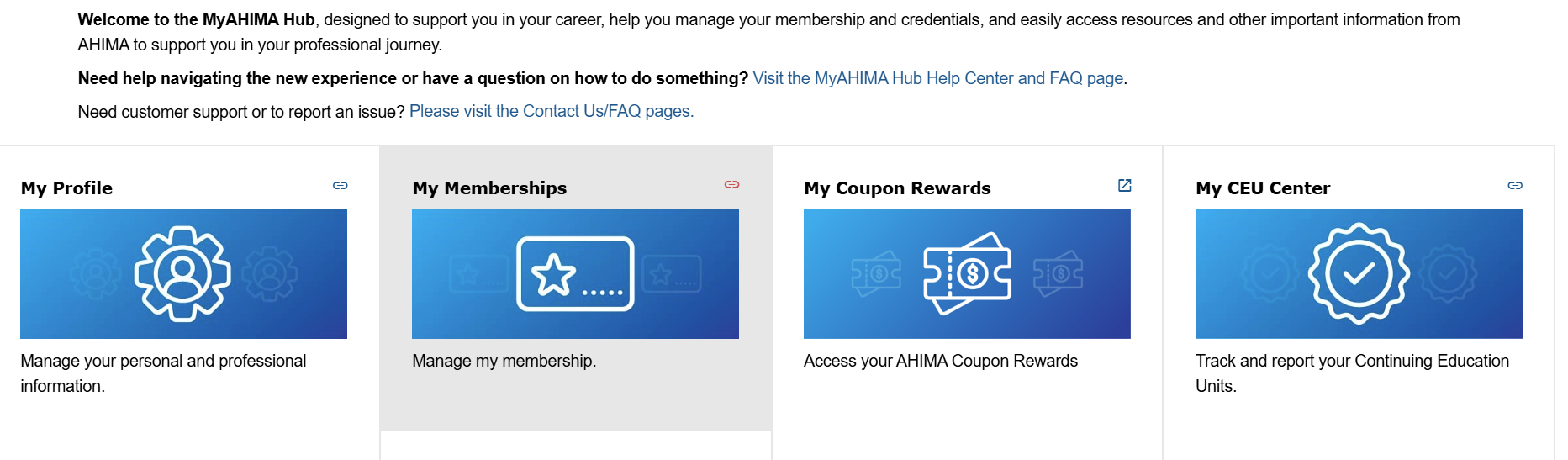
- Select “My CEU Center” in your MyAHIMA Hub account.
- Within your CEU Center, find the event for which you would like to claim credit.
Your earned CEUs should be listed next to that event. This means that your CEUs have automatically uploaded to your CEU Center.
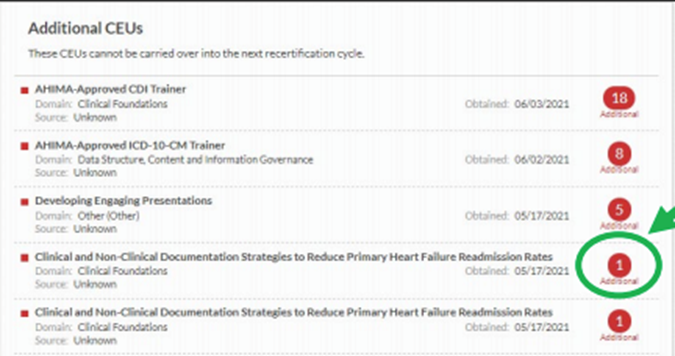
- Hover your mouse over the earned CEU count for that event and select the link to “Certificate.”
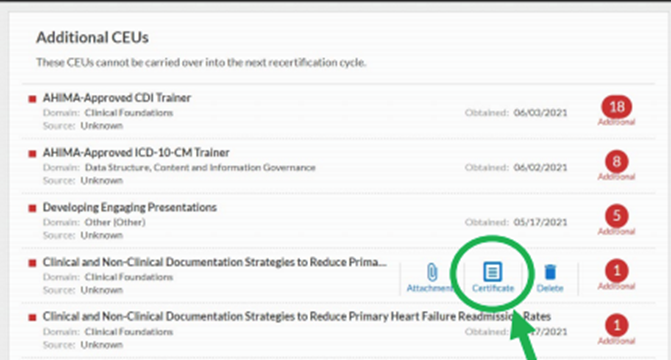
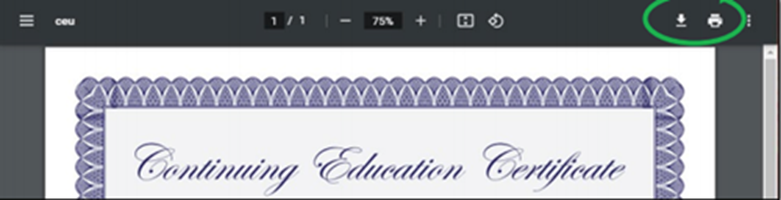
- While viewing your certificate, you have the option to download or print.