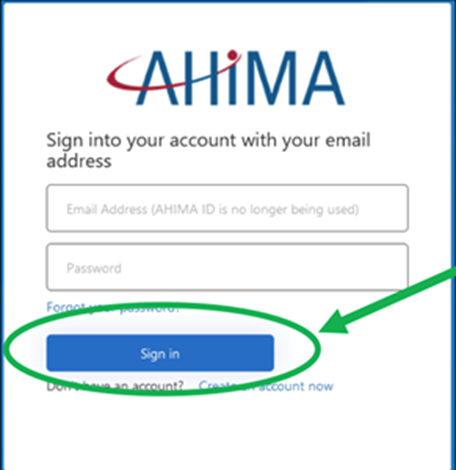
- Go to https://www.ahima.org/, then click the "MyAHIMA Login" button.

- Login with your AHIMA credentials.
Make sure to use the same account you used to purchase the webinar(s) from the AHIMA web store.
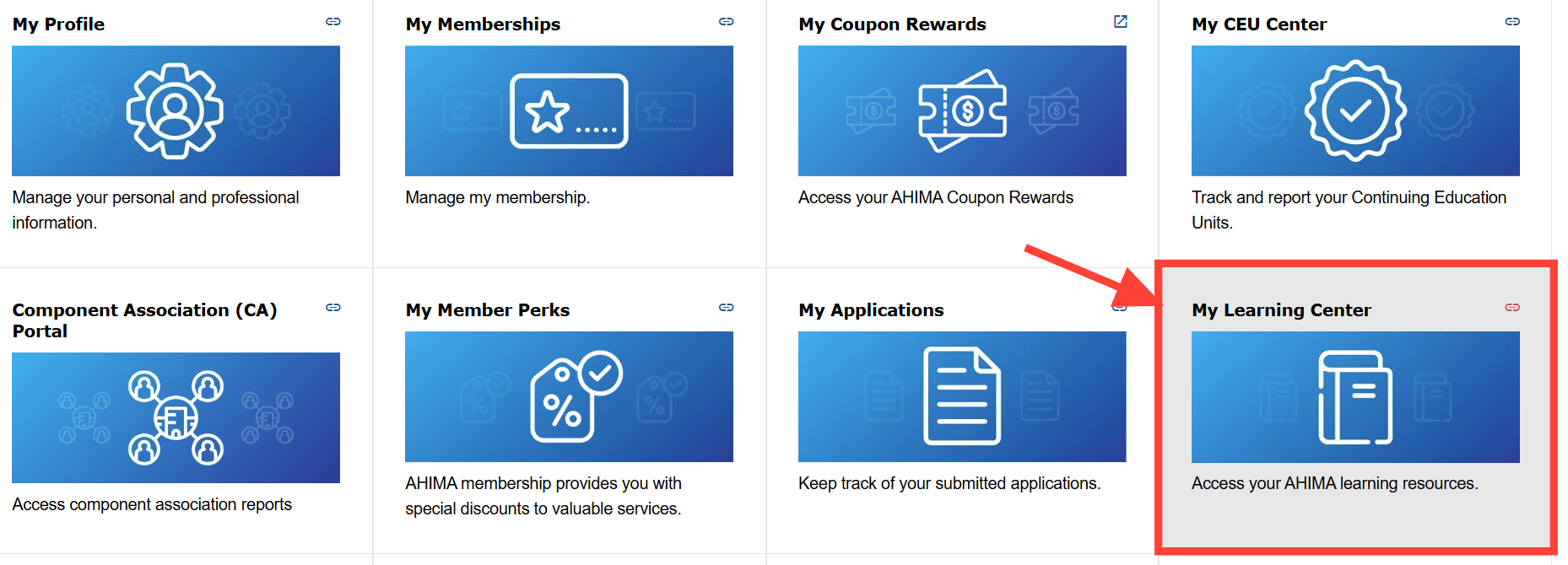
- Select “My Learning Center” which is found in your MyAHIMA Hub account.
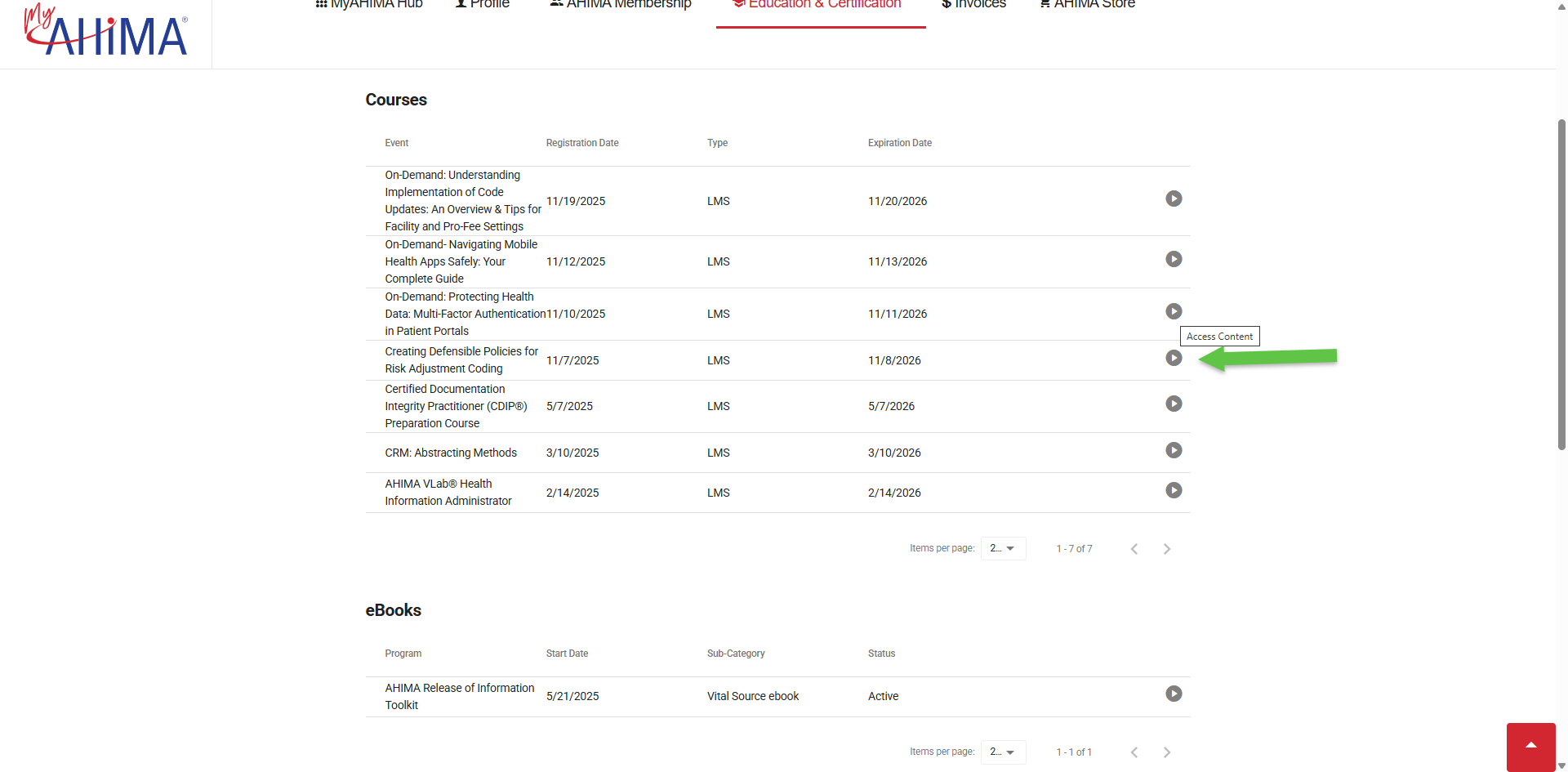
- In your My Learning Center click on the icon to the right of the title to access your webinar. This will take you to the webinar platform.
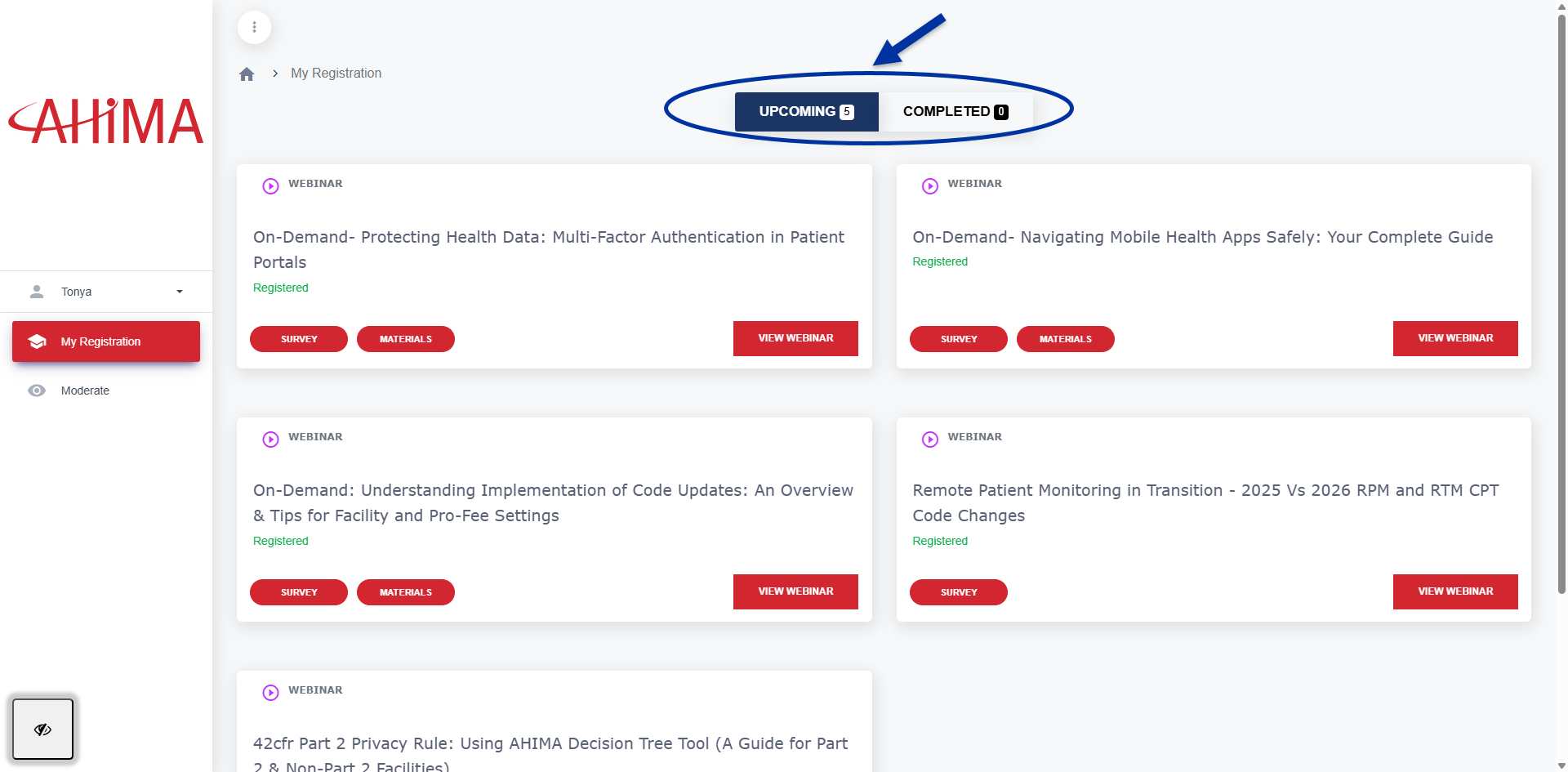
- All webinars will display in the webinar platform under the Upcoming or Completed tab.