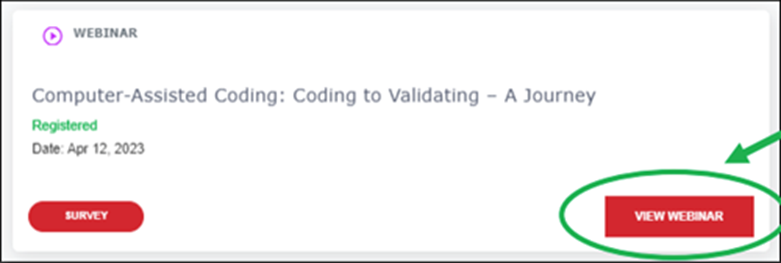
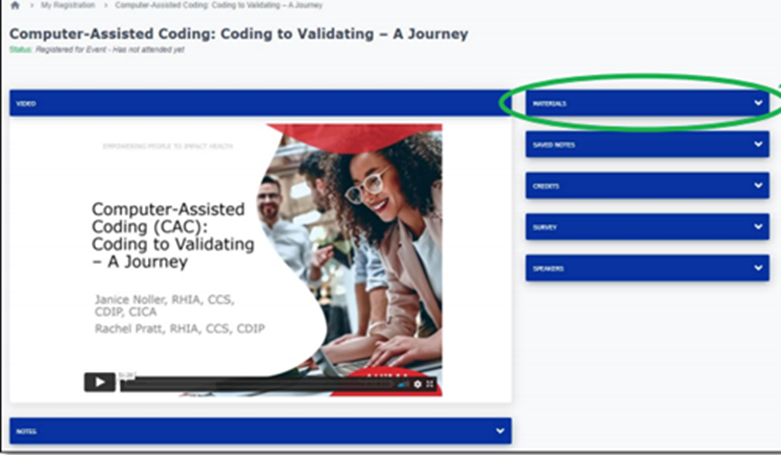
- After identifying your webinar in “My Registration,” select the “View Webinar” button.
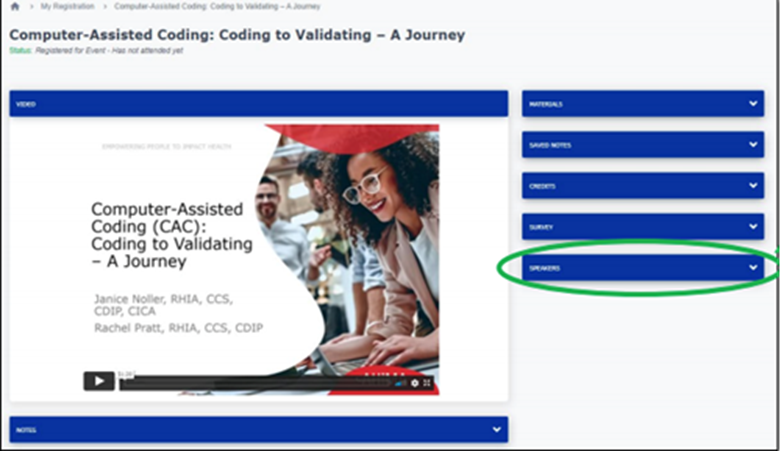
- Get to know the presenters! Access the speaker information by selecting the “Speakers” dropdown widget.
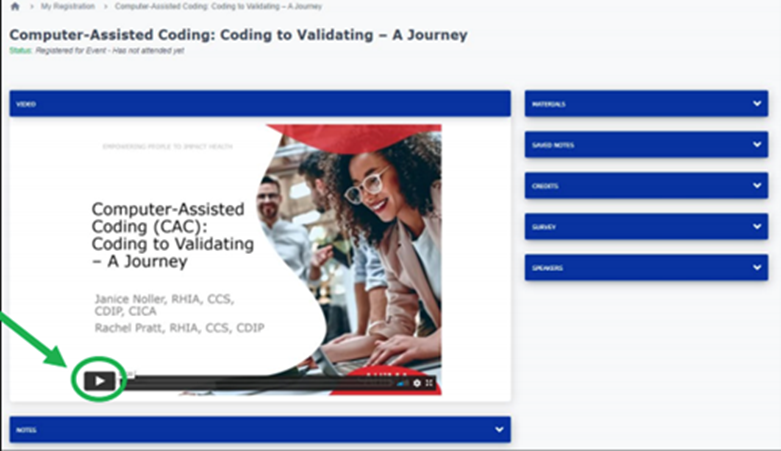
- Just push play! Watch the video presentation.
- Download resource materials, as needed.
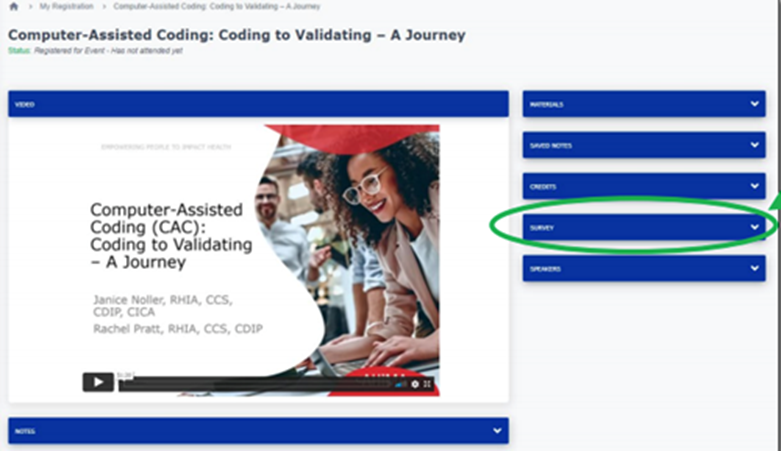
- After viewing the webinar content, complete and submit the survey.
Select the “Survey” dropdown widget.
Click on the Survey button.
Answer the questions and submit your responses.