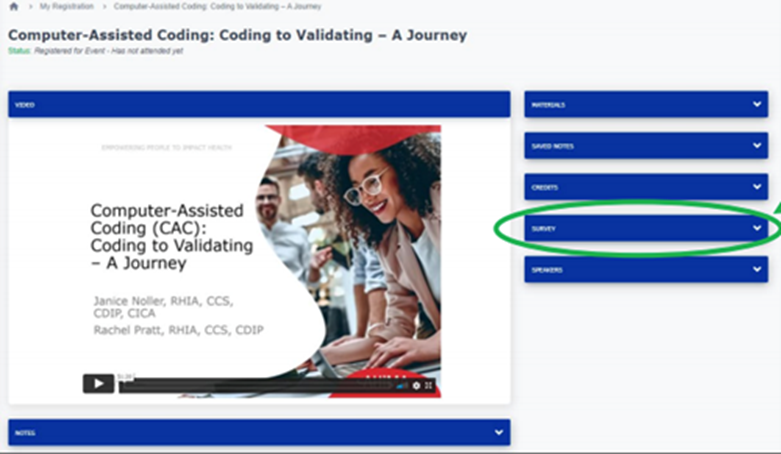
- After viewing webinar content, locate survey in the survey area, and select the “Survey” dropdown widget.
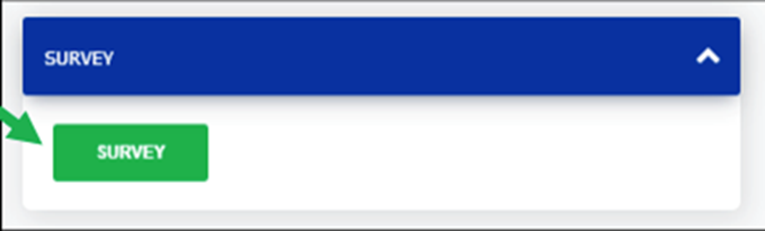
- Select the “Survey” button.
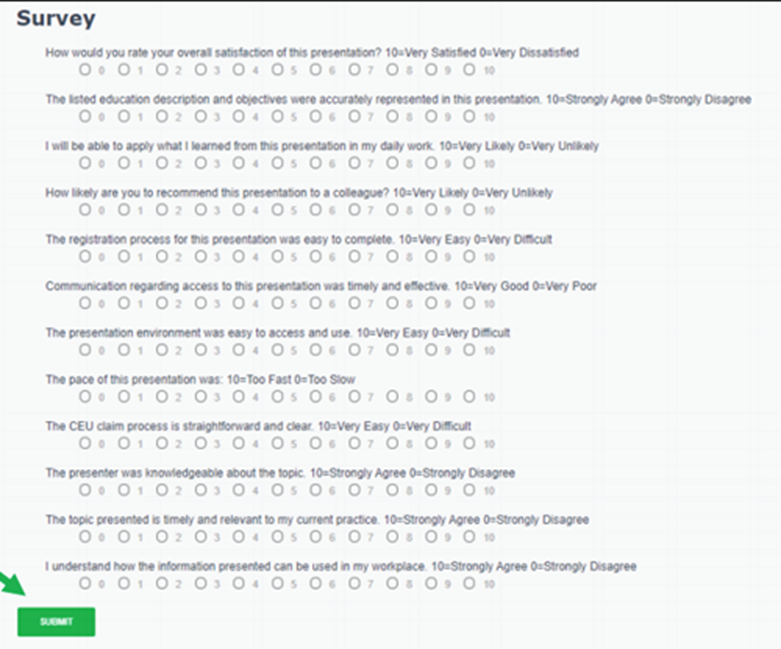
- Answer the questions and submit your responses to the survey
- Your CEUs will automatically upload to your CEU Center. That’s it!
How do I claim CEUs from my webinar?
Updated on