- Go to the AHIMA Learning Center in any browser other than Internet Explorer (IE is no longer supported by AHIMA’s login page).
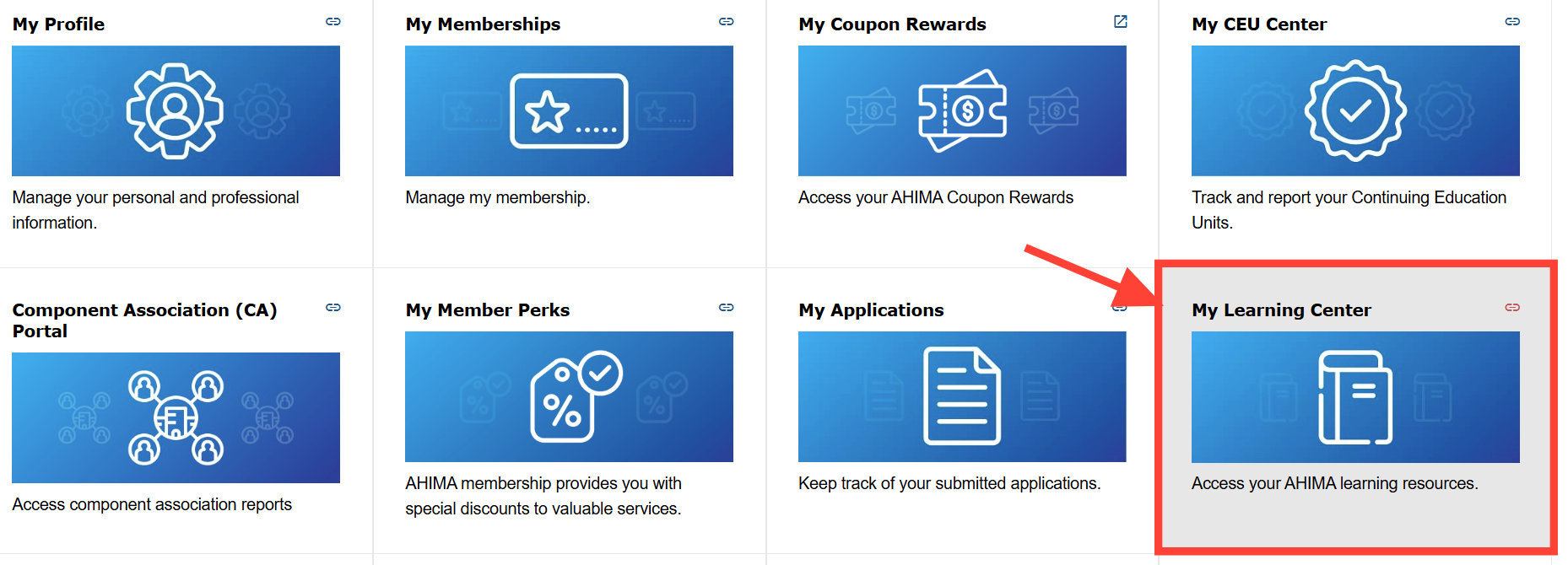
Or if you're already signed into https://my.ahima.org/, click on the My Learning Center module.
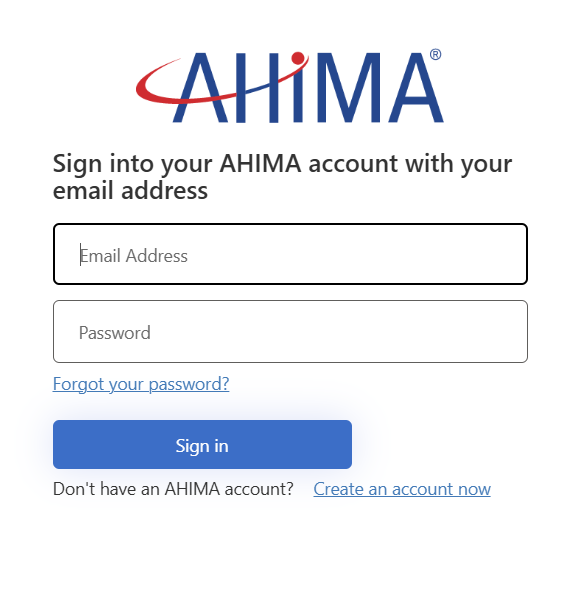
- Click the “Login” button in the upper-right and on the window that appears log in with your current AHIMA credentials. Once logged in you will be taken directly to your Learning Center page.
Make sure to use the same credentials you used to purchase the online course from the AHIMA web store, the course purchase will be tied to that same account.
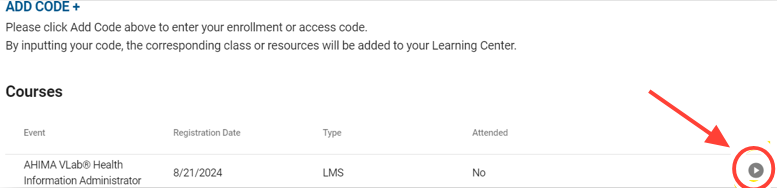
- Your course will appear on the Learning Center page automatically.
If you don’t see the course appear right away please refresh the page; once it appears click on the “Access Content” button to the right of the course to open it.
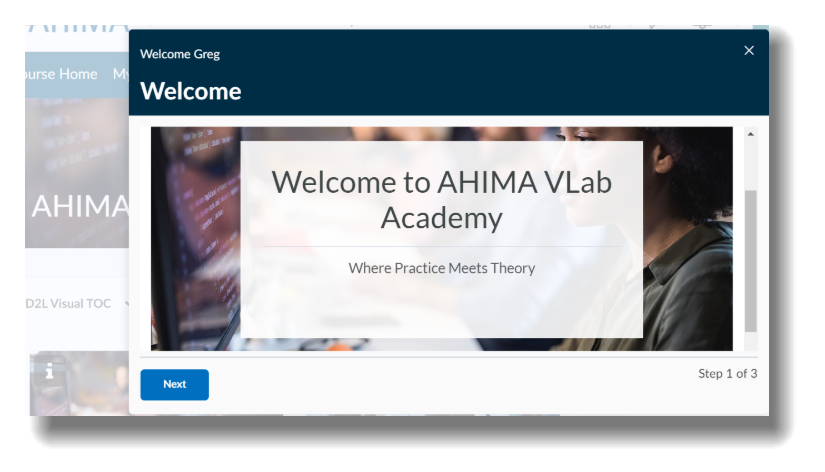
- After a few seconds you will be taken directly into your course, where you may begin your experience by viewing the Welcome widget before accessing the appropriate category for your training, as advised by your instructor.
If you are not automatically taken directly into your course after 30 seconds, please refresh the Learning Center page and try accessing the course again.
How do I access an online course or quiz I purchased through AHIMA web store?
Updated on