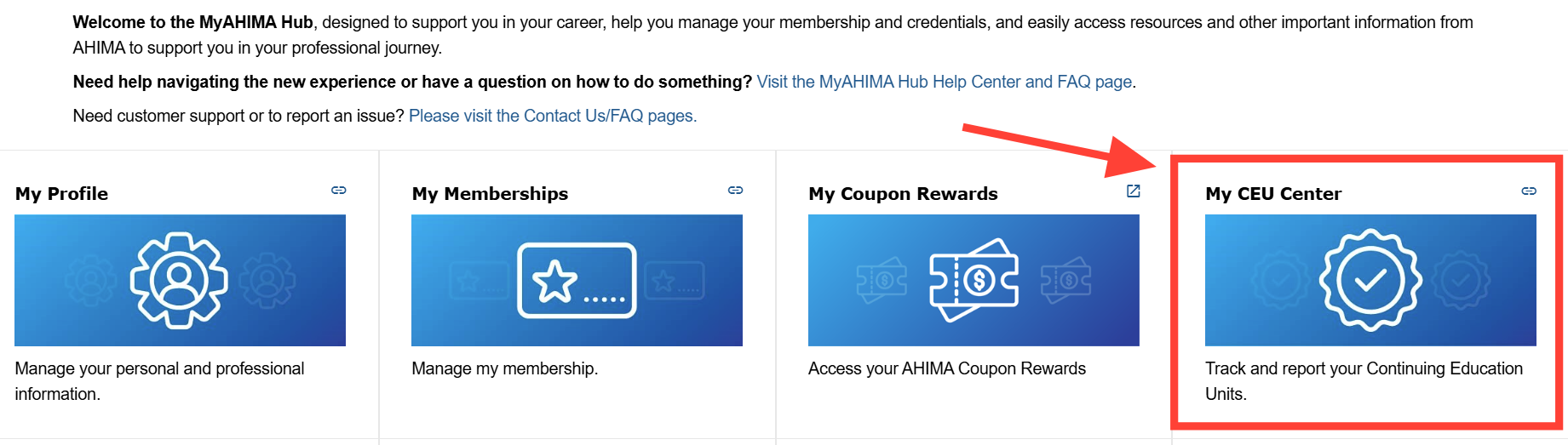
- Log into the My AHIMA Hub and navigate to the “My CEU Center”
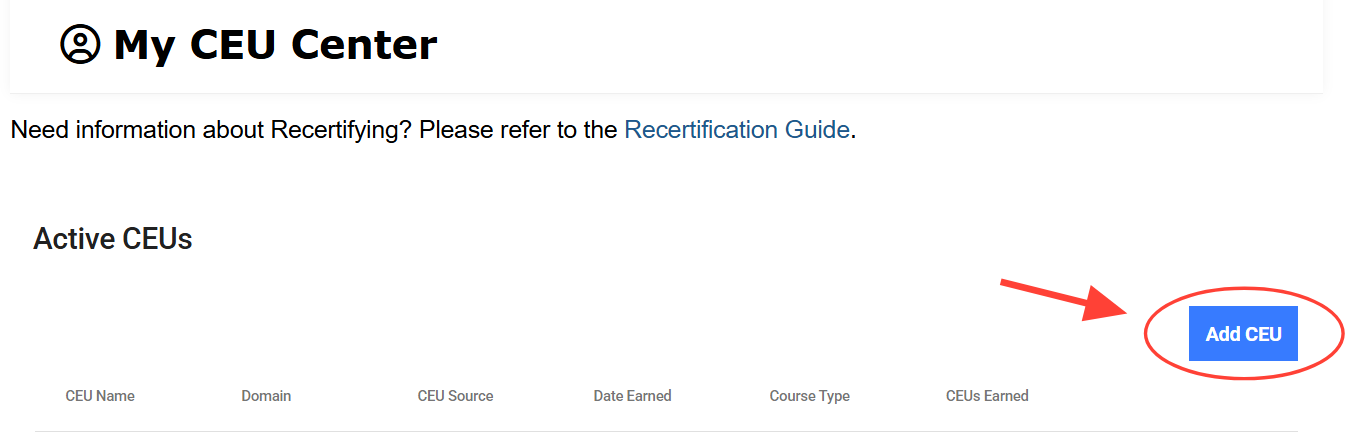
- Click “Add CEU”
- Select the source for which you volunteered
- Select Other in the Course Type Drop Down
- Enter the Date Earned (This would be the End Date of the Volunteer Activity/Role.)
- Complete the required fields.
Please include as much information as possible, including committee name, number of CEUs associated with the opportunity, and any documentation you may have to support this volunteer role (if applicable).
For more information, visit the Recertify page.
How do I report volunteer CEUs?
Updated on